How to Evaluate an SBOM Generator for Embedded Firmware
| Ritesh Noronha
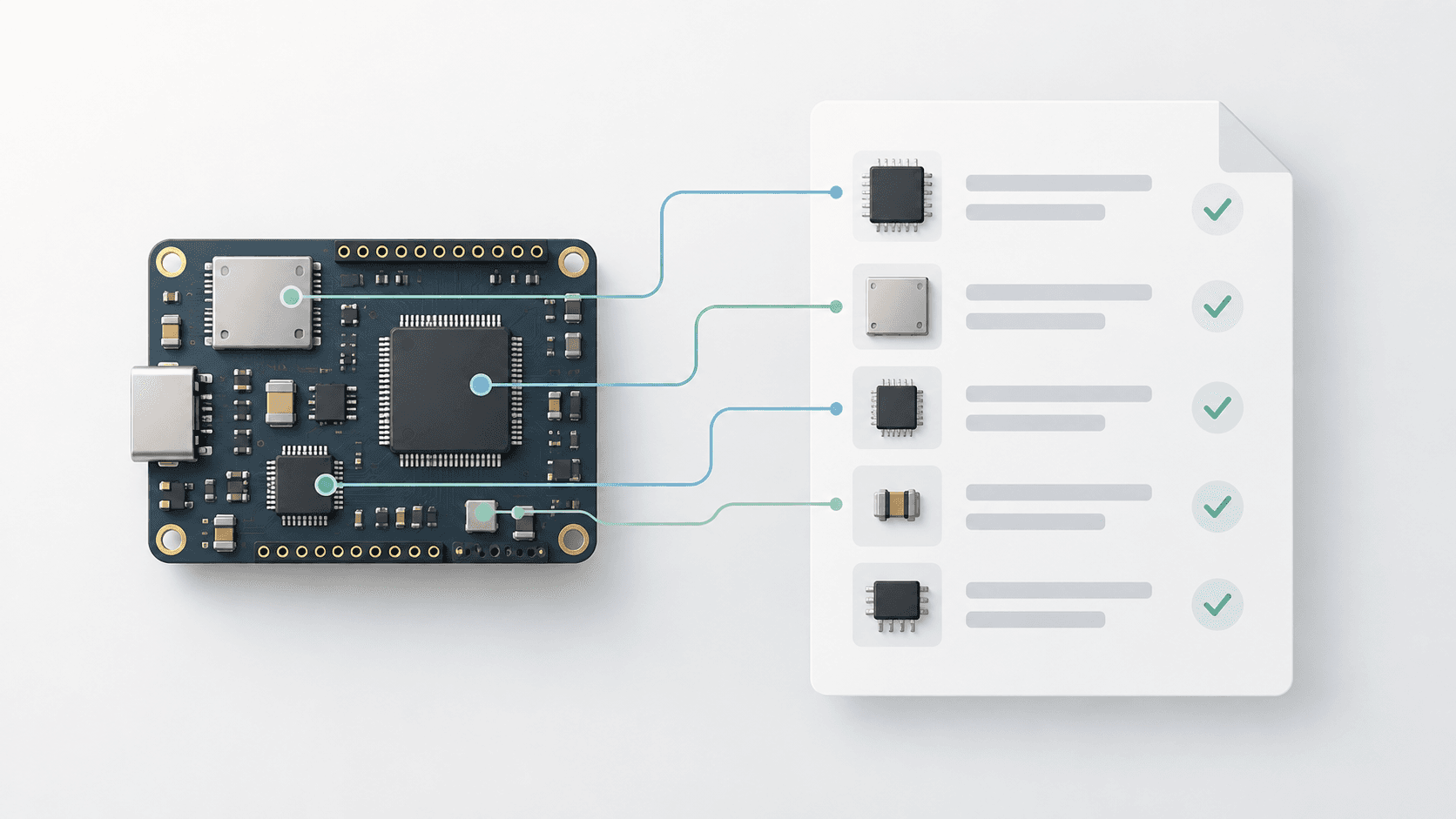
An SBOM generator can look effective on a sample project with a lockfile and clearly declared dependencies. The real evaluation starts when you run it against your own firmware: a Make or IAR project with a vendor SDK and a third_party folder. Does it identify the components your firmware uses, miss most of them, or report everything in the SDK?
Across more than 50 proofs of concept with our lynkctl tool for embedded C/C++ SBOM generation and conversations with over 100+ engineers, we’ve seen a common theme: an evaluation is only useful when engineers use their own firmware and know what they expect the tool to find. These guidelines draw on that experience to help engineers evaluate commercial and open-source SBOM generators, including ours. Use them to shape an evaluation around your build, your dependencies, and the requirements your team needs to meet.
Before you start
Representative projects
As engineers, we're trained to measure before making changes. Evaluating an SBOM generator calls for the same discipline. Start by choosing a project that represents your environment. Embedded C/C++ projects often have their own mix of build systems, toolchains, and dependency management practices, so spend time getting this selection right. One project may be enough, or you may need several to cover the ways your team builds firmware.
Capture how open-source software enters those projects: vendored libraries, copied source files, git submodules, CMake FetchContent, or downloads through curl and other scripts. Record the SDKs and toolchains you use, including their runtime libraries. This gives you a basis for checking what the generator discovers and what it misses.
SBOM Expectations
Before running the tools, define what you expect in the SBOM. Those expectations may come from applicable regulations, your organization's security and compliance teams, or how you intend to use the output. Questions to settle include:
Should it list all open-source components used in the firmware?
Should it identify all statically linked libraries?
Should it identify all dynamically linked libraries, where applicable?
Should it identify the SDKs and SDK components used?
Should it include build-tool provenance, such as compiler, linker, and toolchain versions?
Should it omit code that is not linked into the shipped firmware?
Document the expected components and any known versions as a reference for the evaluation. Use these requirements to assess whether the output meets your team's needs. If you need a detailed checklist, reach out to us at support@interlynk.io. We can help you put one together for your environment.
Estimate SBOM's
Count the SBOMs you'll have to generate before you talk to any vendor. The number is almost always higher than teams expect. Even if you ship a single firmware image, it's usually composed of several separately built parts: a bootloader, the application, a radio or coprocessor image, and shared libraries or platform code reused across products. Ideally each of those gets its own SBOM, which the firmware's top-level SBOM then references, so a shared component is described once and a fix in it shows up everywhere it's used.
Then multiply. Count your product variants (the same codebase built for different boards, regions or feature sets produces different binaries with different contents), and count the releases you support in the field, since each one needs an SBOM that stays monitored for as long as devices run it. A company with five products, four components each, three variants, and two supported releases is managing 120 SBOMs, not five.
This number matters for the evaluation in two ways. It tells you whether a tool that needs manual setup per project is workable, and it tells you what per-SBOM or per-project pricing will really cost.
Evaluating the SBOM generator
Does it find code with no manifest?
Most firmware dependencies were copied into the tree by a person. There's no package.json, no lockfile, often no version file. Tools that work by reading manifests, which includes Syft and Trivy in their default modes, will return little or nothing for these projects. That isn't a bug in those tools; it's what they were designed for.
Look for identification of vendored libraries such as FreeRTOS, lwIP, Mbed TLS or FatFs from the source itself. Check how much the tool can discover beyond what a package manager declared.
Does it get the version right?
A component name without a version is useless for vulnerability matching. Vendored code makes versions hard: the version may live in a header macro, a changelog, or nowhere at all. Silicon vendors also ship modified forks, so "FreeRTOS 10.4.3" in an ST or NXP SDK may not be byte-identical to upstream.
Compare reported versions with your ground truth. Ask how the tool handles missing version information, uncertainty, and modified code, and check whether its evidence supports the version it reports.
Does it report what ships, or what's in the repo?
A vendor SDK can contain hundreds of components. Your build compiles perhaps a dozen, and the linker discards unused parts of those. An SBOM of the repository over-reports, which means your team triages vulnerabilities in code that never reaches a device. An SBOM of the binary alone under-reports, because compiled C keeps very little identifying information.
Ask whether the tool distinguishes between code present in the tree, code compiled, and code linked into the image. Check the reported components against your build to understand whether the SBOM describes the repository or the firmware you ship.
Does it handle static linking and toolchain libraries?
Firmware is statically linked. Once the linker merges everything into one image, component boundaries are gone, and binary scanners struggle. There's also code in your image that never appears in your source tree: the C runtime (newlib, or the IAR runtime library), libgcc, and startup code from the toolchain. These have versions, licenses, and occasionally vulnerabilities.
Check whether statically linked libraries and toolchain runtime components appear in the SBOM. Ask what build or linker information the tool needs to identify code that comes from outside your source tree.
Does it work with your actual build?
Ask what the tool needs from you. Some require a specific build system (Zephyr's west spdx and Yocto's create-spdx are good, and only work inside those ecosystems). Some require a rebuild with a wrapper around the compiler. Some need a cloud upload of source or binaries, which rules them out for defense and many medical teams.
Evaluate the tool with your actual IAR, Keil, Make or CMake build. Understand the integration effort, any required build changes, and whether it can run offline if your team needs that. Check source and binary upload requirements against your constraints early.
Can you see why it made each identification?
Every tool in this space uses heuristics, and heuristics make mistakes. What matters is whether you can check them. For each component, you should be able to see the evidence: which files, which compile line, which hash or string matched, and how confident the tool is. An auditor will ask you the same question.
Inspect the evidence for individual components, including uncertain identifications. Ask how confidence is communicated and whether your team can review and correct the results.
Do the identifiers match vulnerability databases?
An SBOM is only as useful as its identifiers. Embedded components are poorly covered: many have no CPE in the NVD, PURLs are inconsistent for code that isn't in a package registry, and vendor forks don't map cleanly to upstream entries. Run the SBOM through a vulnerability scanner and look at both directions: known CVEs that were missed, and false matches.
Review the CPE and PURL mappings against known components and vulnerabilities. Ask how the tool handles components without an established mapping, and whether corrections persist across subsequent runs.
Does it capture enough for the SBOM to be made compliant?
Regulators expect each component to carry specific data. The 2021 NTIA minimum elements asked for supplier, name, version, unique identifiers, dependency relationships, SBOM author, and timestamp. CISA's 2026 update adds component hashes, licenses, the generating tool's name, and the generation context, and FDA, EU CRA and BSI TR-03183 requirements go further. Don't expect a generator to fill all of that in at scan time. Full enrichment during code scanning is hard, and for embedded code it's often impossible: a vendored file carries no supplier record, and a library copied into your tree has no registry entry to look up. Supplier names, normalized licenses, and end-of-life data come from outside the code, and are better added afterwards by an SBOM management platform.
What the generator must do is capture everything that only the source and the build can provide, because no downstream tool can recover it later: hashes, the license and copyright text actually found in the source, accurate names and versions, PURL and CPE identifiers where they can be determined, dependency relationships, and the tool name and generation context. Test both halves. Check what the generator captured, then load the SBOM into the management platform you plan to use, run its enrichment, and score the result with a tool such as sbomqs.
Is the output reproducible and standards-valid?
Build the same commit twice and diff the SBOMs. They should be identical apart from timestamps. Then validate the output against the CycloneDX or SPDX schema, and score it with an open source quality tool such as sbomqs. If you're shipping under FDA 524B, the EU CRA or BSI TR-03183, check the required fields now, not the week before submission.
Check for consistent component data across runs, valid output, and the fields your team requires. Confirm that the SBOM can be consumed by the other tools in your workflow.
How is pricing structured?
Have the pricing conversation upfront. Commercial generators may charge by SBOM, repository, or scan run. Ask what counts as a billable unit and estimate the cost using your expected number of projects, build variants, and CI runs. A price that looks reasonable during a proof of concept may look different when the tool runs on every build.
Open-source generators are generally free to use, though setup and maintenance still take engineering time. If an open-source tool meets your requirements and works well in your environment, use it.
What is the evaluation timeline?
Set the timeline before you start, and hold every tool to it. A reasonable plan is one to three weeks in total: a first SBOM within a day or two of installation, a week to run the tests above against your ground truth, and a week to try a second project with a different toolchain or target, since a tool that was tuned for the first project by the vendor's engineers will often stumble on the second. Track who did the work. An evaluation that only succeeds with the vendor driving is a services engagement, not a tool.
Putting the results in context
For each tool, count three numbers against your ground truth: components found correctly, components missed, and components reported that aren't there. Missed components are the expensive ones, because a vulnerability you don't know about can't be fixed. False reports cost engineering time on every release. A tool that finds 90% with clear evidence beats one that claims 100% and can't show its work.
Different approaches offer different coverage. Manifest readers are excellent where manifests exist. Binary analysis is the only option when a supplier gives you firmware without source. Build-time analysis sees the most for code you build yourself, which is why that's the approach we took with lynkctl, Interlynk's embedded SBOM generator. Most teams end up combining two. I go into why in The State of SBOM Generation for C/C++.
If you use these guidelines to evaluate a tool on your own firmware, I'd like to hear what you find, including where our tool falls short.
FAQ: Additional questions we've heard
At what stage of the build pipeline does the SBOM generator need to run?
Does the generator work with my existing build system, or does it require converting the project to another system, such as CMake?
Does the tool use information from existing package managers, such as vcpkg, when they are present?
If Claude or Codex can generate an SBOM that looks correct, why do I need a dedicated SBOM generator?
Does the tool simply scan directories, or does it understand my toolchain and how the firmware is built?
How does it handle shared code?
How do we merge sboms.